Futures education
Continuous futures charts: what adjusted history means
A historical level can move after a contract switch even though the original trade price has not changed. The chart's adjustment method explains the difference.
One chart can contain several contract months
A continuous futures chart joins data from successive dated contracts into one historical series. It lets you examine a longer period than one expiry supplies. Here, “continuous” refers to this chart construction: an older bar may come from a different contract month than the one supplying today's prices.
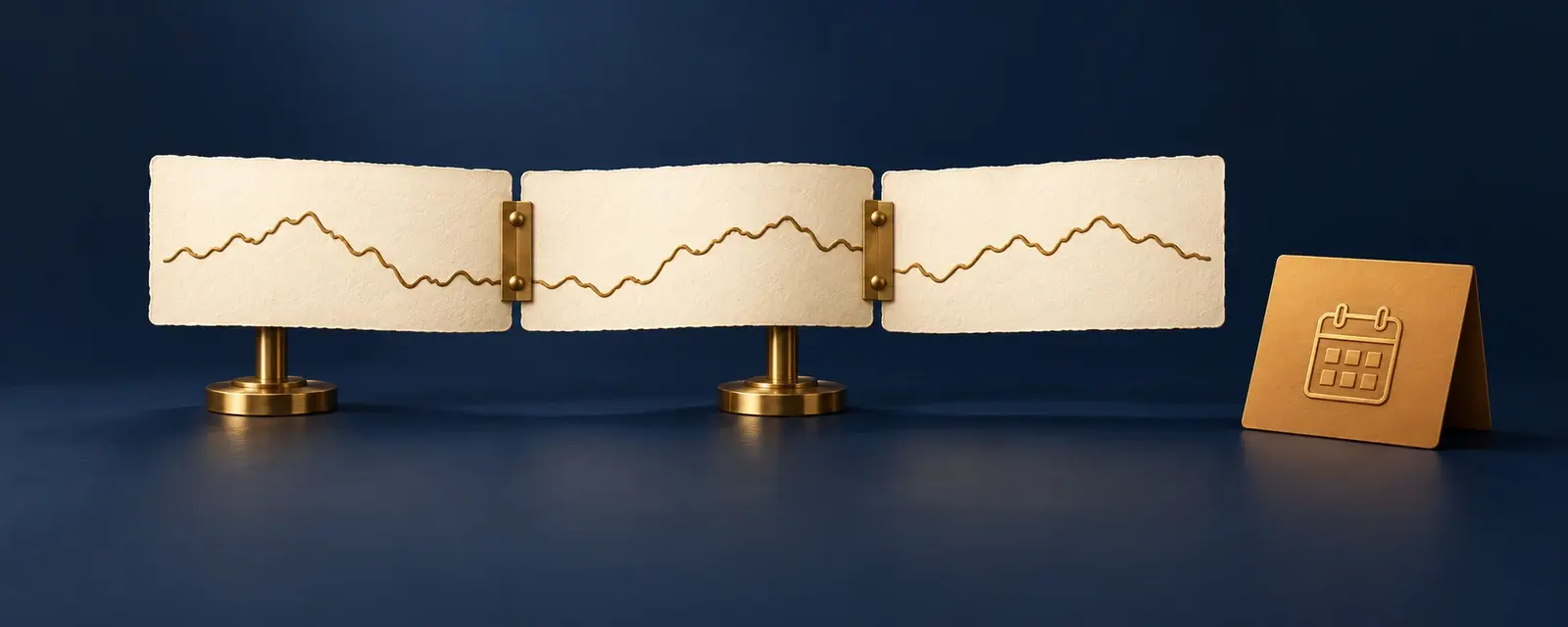
There are two separate choices. The rollover rule determines when the series changes contracts; the adjustment method determines whether earlier prices are altered. Sierra Chart, for example, offers calendar-rule and volume-based switching, with back-adjusted versions of both. A continuous chart is not necessarily back-adjusted.
Unadjusted, additive and ratio-adjusted prices
An unadjusted series keeps each included contract's original prices. When the chart changes contracts, a price difference between those contracts can appear as a jump at the join. That jump alone does not establish a tradable move within either contract.
Additive back-adjustment shifts older prices by a fixed difference at each join. TradingView describes using the difference between the new and old contracts' daily closes near the switching point. A ratio adjustment instead multiplies older prices by new close ÷ old close; IBKR documents this method for its normalized continuous history.
Sources: TradingView: Back-adjustment for continuous futures · IBKR TWS: Continuous futures and ratio adjustment
A 100-to-104 example: the old 95 becomes 99 or 98.80
Suppose the old contract's reference close is 100 and the new contract's is 104 at a hypothetical switch. An earlier close in the old contract is 95. For this single join, the additive offset is 104 − 100 = 4; the ratio is 104 ÷ 100 = 1.04. These are invented price units, not market quotes or a trading result.
The additive method preserves point differences within that older segment: 100 − 95 and 104 − 99 both equal 5. The ratio method preserves proportional changes: 100 ÷ 95 equals 104 ÷ 98.80. Neither transformed earlier close is the original 95 at which that contract traded. Further rolls can adjust the same older history again.
| History shown | Old reference close | Earlier close |
|---|---|---|
| Unadjusted | 100 | 95 |
| Additive: add 4 | 104 | 99 |
| Ratio: multiply by 1.04 | 104 | 98.80 |
Sources: TradingView: Back-adjustment for continuous futures · IBKR TWS: Continuous futures and ratio adjustment · Sierra Chart: Continuous futures contract charts
Before reusing a historical price level
If two charts show different prices for the same historical date, compare their contract sequence, switch date and adjustment setting before treating one as a bad quote. Sierra Chart's additive calculation uses prior-day settlement prices; TradingView describes daily closes near the switch. “Back-adjusted” alone does not identify an identical construction.
To trace a level on TradingView, open the Contract Switch icon. Its card identifies the switch date and the old and new contracts; clicking a contract name opens that dated chart. Compare the original contract price with the adjusted series before copying a historical level into an order. For a historical test, retain the data source and construction settings so the price series can be reproduced.
Sources: Sierra Chart: Continuous futures contract charts · TradingView: Back-adjustment for continuous futures · TradingView: Contract switching icons
Check the dated contract in the order ticket
A platform may allow order entry from a continuous chart while routing the order to a specific expiry. TradingView says this is available for 1! futures on CME and EUREX: the order goes to the front contract currently included in the series. It displays that contract in the Order Panel and DOM. Its 2! continuous series is not available for trading.
IBKR's TWS continuous-contract documentation describes its series as market data only and says futures orders are not updated. Chart behavior therefore depends on the platform. Verify the execution symbol and expiry in the order ticket, then check existing positions and working orders separately; a stitched chart is not evidence that a held position has moved to another month.
Sources: TradingView: Trading from continuous futures charts · IBKR TWS: Continuous futures and ratio adjustment