Partner spotlight
Fillbook: a NinjaTrader journal for Boxcar accounts
Sync NinjaTrader 8 fills automatically and configure your Boxcar account rules in Fillbook.
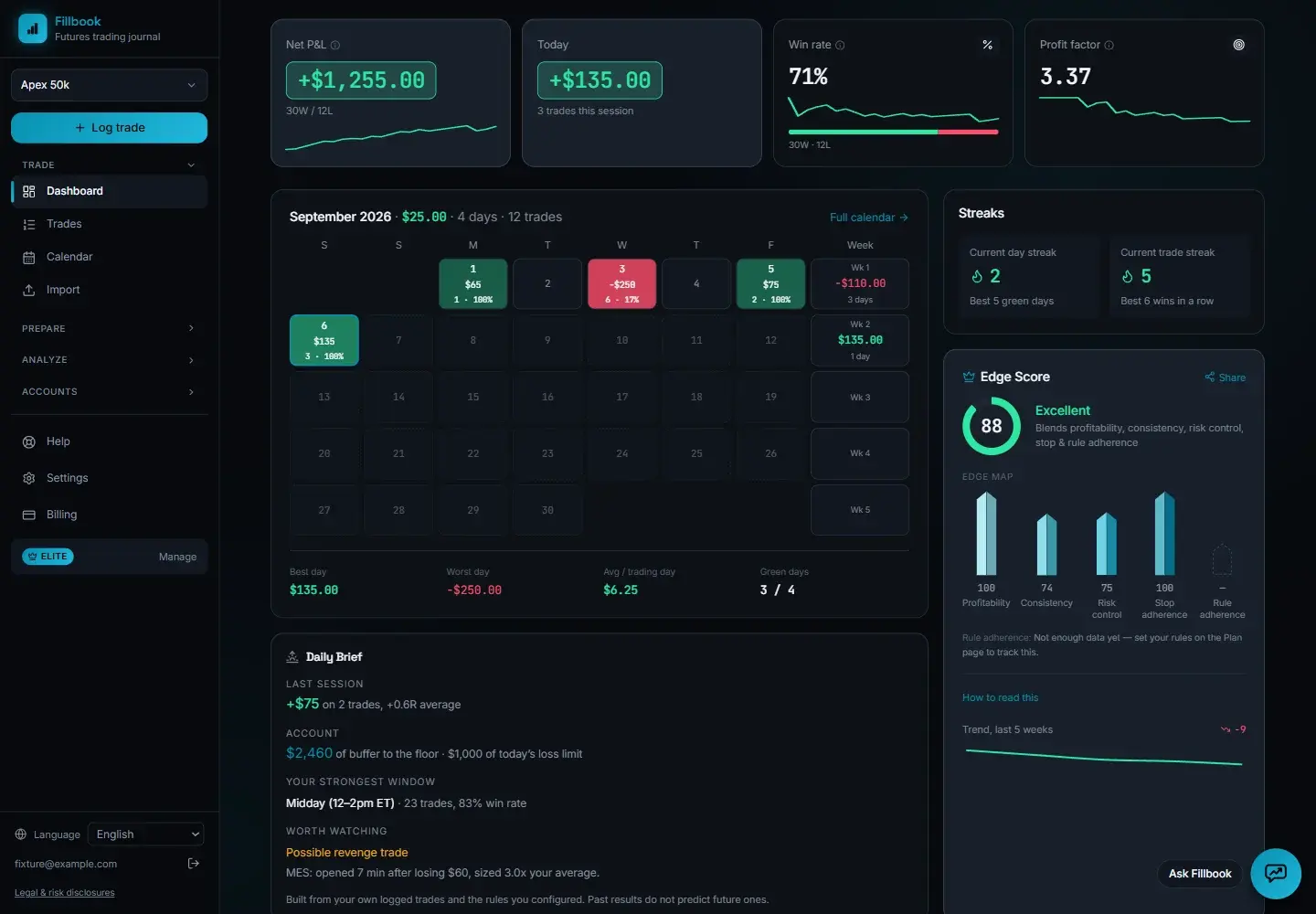
Fillbook is Boxcar’s trading journal partner. It includes editable BoxcarPrime, BoxcarFlex (formerly BoxcarScale), BoxcarPayout, and BoxcarFunded presets in $25K, $50K, $100K, and $150K sizes.
NinjaTrader auto-sync setup
Automatic fill sync requires Fillbook Core or Elite. Manual CSV import is also available.
- Import Fillbook’s add-on in NinjaTrader 8.
- Generate a sync token in Fillbook and connect the add-on.
- Review synced fills by setup, time of day, and R-multiple.
Configure Boxcar rules separately
Auto-sync imports trades, not account rules. On Fillbook’s Rules page, select your program and size, then match the stage, Daily Loss Limit, drawdown, profit goal, consistency, and minimum-day settings to Boxcar’s rule tables.
BoxcarFlex has no funded consistency requirement. BoxcarPayout offers EOD or intraday drawdown in Eval and always uses intraday when funded. Its high-water mark includes open-position profit; closed fills alone cannot reproduce that calculation.
Where to install the add-on
Install it in the NinjaTrader instance you trade from, on your Windows computer or the optional Chicago VPS. Boxcar covers that VPS while you have an active account; a Fillbook subscription is separate.